Recreate the Voice of a
Deceased Loved One with AI
RightBack.ai clones the voice — and personality — of someone you've lost, so you can hear them and talk with them again. Upload a few audio clips, and our AI brings their voice back to life.
Download the App
What is an AI voice generator for a deceased person?
It takes real recordings of someone who has passed away and uses voice-cloning AI to recreate the way they spoke. Instead of a generic text-to-speech voice, the result sounds like them — their tone, their warmth, their way of talking.
RightBack.ai goes further than a simple voice clone: alongside the voice, you add memories and personality so conversations feel natural and true to who they were.
How it works
1Upload Audios
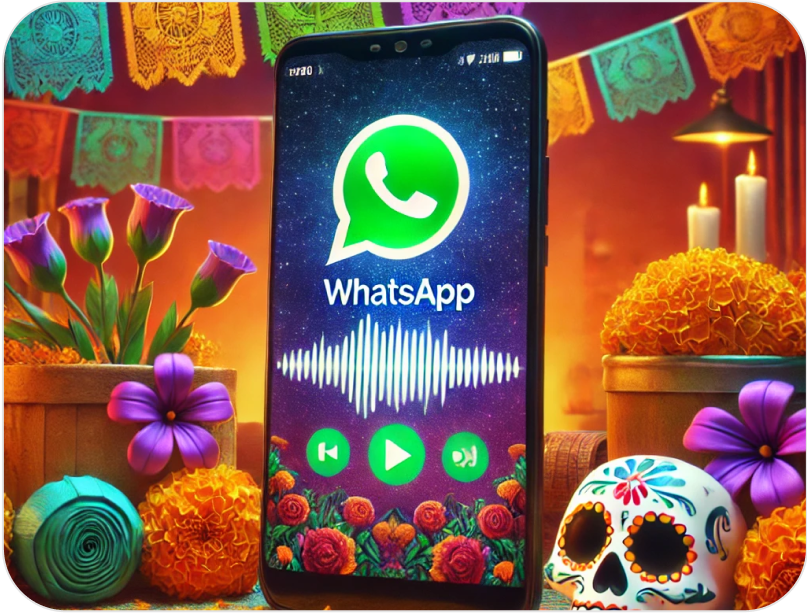
Upload clear audio or video of your loved one's voice — from WhatsApp, Telegram, iMessage or old videos.
2Clone voice & personality
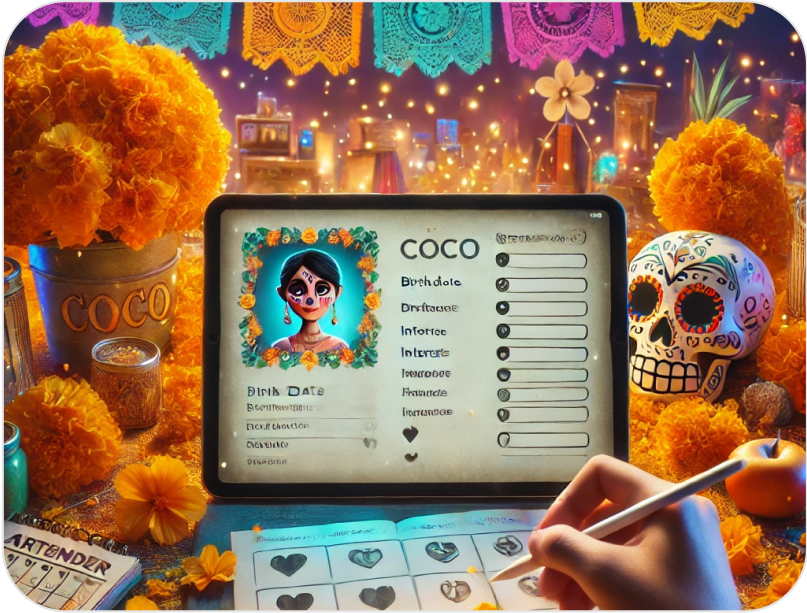
Our AI recreates how they sounded. Add memories so their character comes through in every reply.
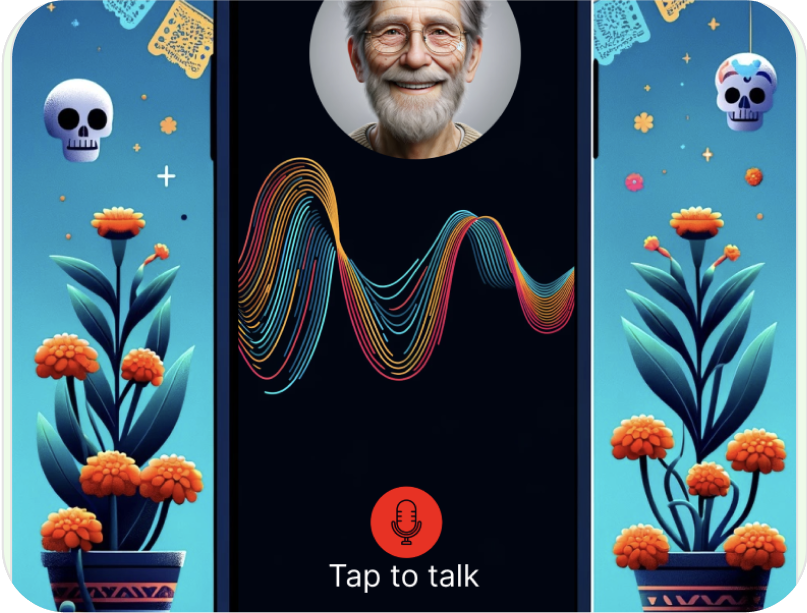
3Start talking
Have conversations by text or voice and hear responses that sound just like your loved one.
What audio do you need?
The better the source audio, the more realistic the voice. A few tips:
- Clear recordings where they speak naturally, with little background noise.
- Voice notes from WhatsApp or Telegram work great.
- Audio from old videos, voicemails or iMessage recordings also works.
- Even short clips help; more samples improve the result.

Why people choose RightBack.ai
It sounds like them
Not a robotic text-to-speech voice — a clone of how your loved one actually sounded.
Personality, not just voice
Add memories and details so conversations feel true to who they were.
Private & respectful
Your recordings and memories are yours. We treat this deeply personal use with care.
Free to start
Create your first voice clone and see how it feels before committing.
Why people bring their loved ones back

"I cloned my late mother's voice so she can read bedtime stories to my kids again."

"After my son passed, hearing his voice again gives me real comfort."

"She reads her famous recipes to me just like she used to. A piece of home."

"It feels like he's still here, sharing the conversations we used to have."
Frequently asked questions
More on recreating their voice
Hear their voice again
Create a voice clone of your loved one and keep their memory alive through conversations that sound just like them.
Download the App