How to Clone a Loved
One's Voice with AI
A simple, step-by-step guide to recreating the voice of someone who has passed away — from gathering audio to hearing them speak again.
Download the App
Recreate their voice in a few simple steps
Cloning a loved one's voice with AI is easier than most people expect. With a few clear recordings and the RightBack.ai app, you can create a voice clone — and even hold conversations — in minutes. Here's exactly how.
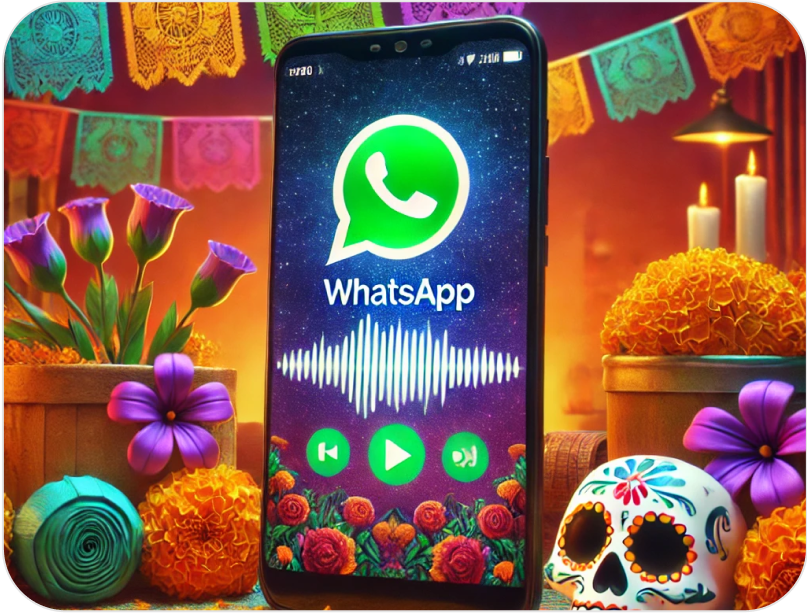
Gather clear audio
Collect recordings where your loved one speaks naturally and clearly. Voice notes from WhatsApp or Telegram, voicemails, and audio from old videos all work. Aim for minimal background noise — even short clips help, and more samples improve the result.
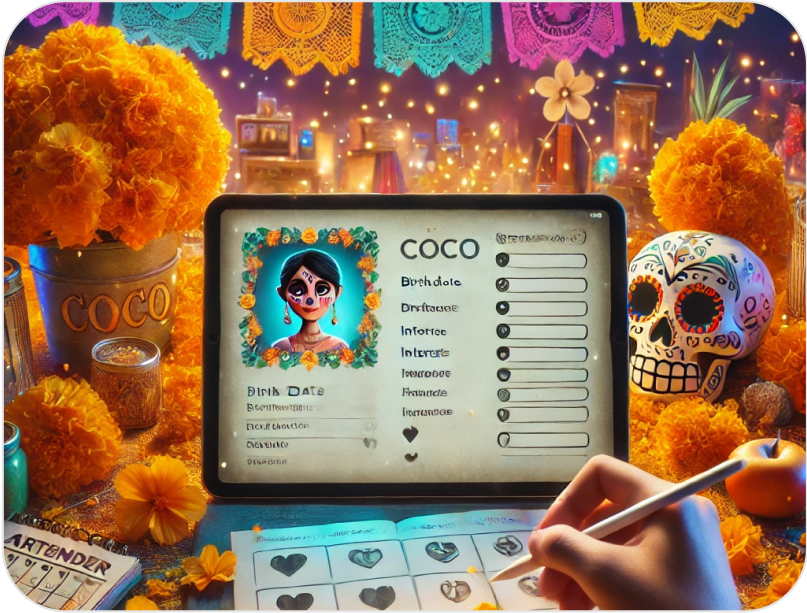
Upload and create the clone
Open the RightBack.ai app and upload your audio. The AI analyzes how your loved one sounded and builds a voice clone. Your first clone is free to create, so you can hear the result before committing.
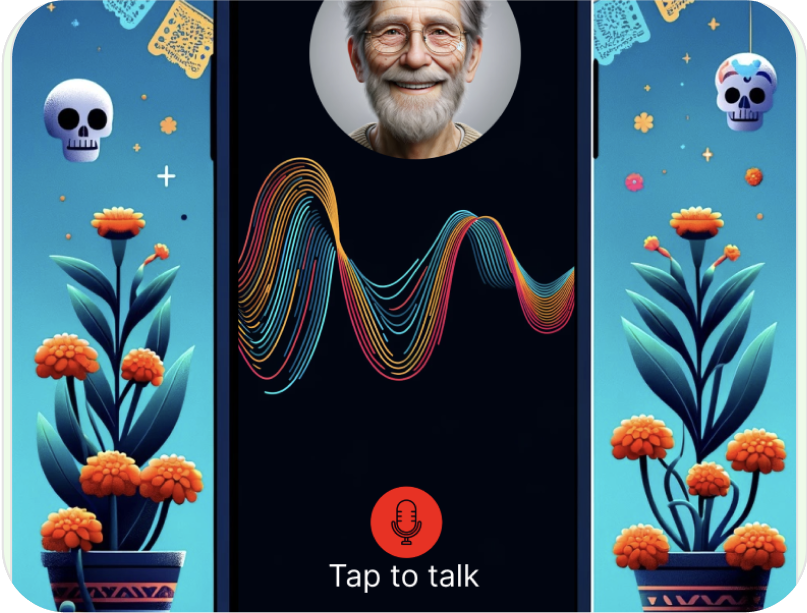
Add personality & memories
Go beyond a plain voice clone: add personal details, shared memories and their way of speaking so conversations feel true to who they were.
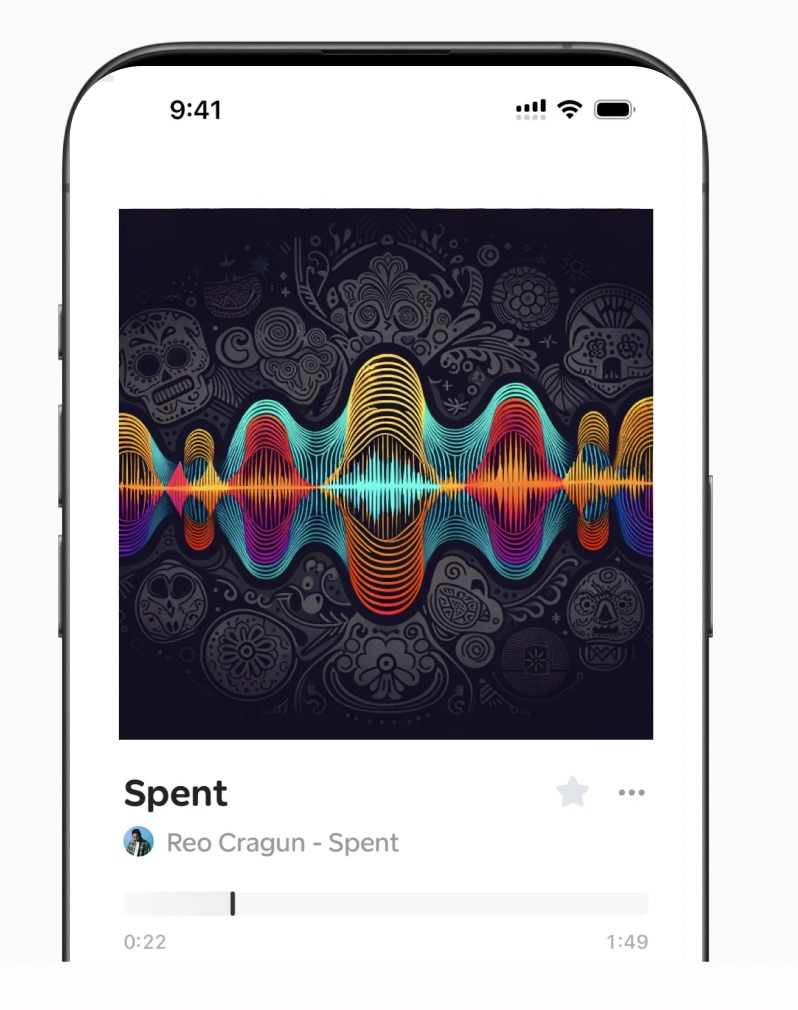
Start talking
Have conversations by text or voice and hear responses that sound just like them — a bedtime story, a familiar greeting, or simply their voice again.
Tips for the best results
Clear over long
A few clean clips beat lots of noisy ones. Prioritize clarity.
Natural speech
Everyday talking captures their real tone better than formal recordings.
More samples help
Adding a variety of clips generally improves realism.
Frequently asked questions
What families say
"Hearing my dad say my name again after two years broke me open — in the best way. I didn't know how much I needed it."
"I made a clone of my wife's voice from old WhatsApp notes. Now our daughter can hear her mom read to her. It's the most precious thing we have."
"I was skeptical, but it truly sounds like my brother. It doesn't replace him — it just lets me feel close to him again."
More on recreating their voice
Ready to hear them again?
Follow the steps and create your loved one's voice clone today — free to start.
Download the App